

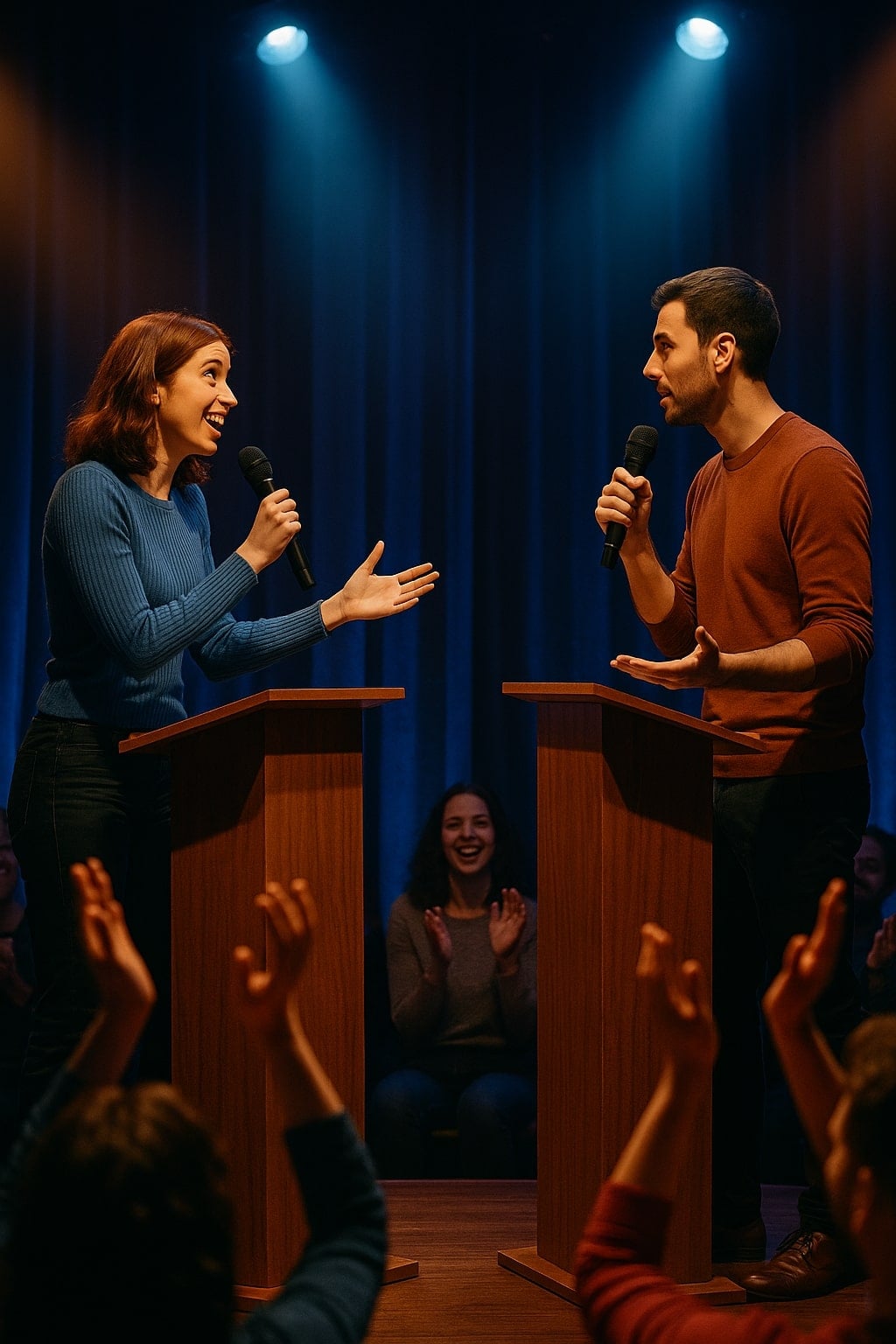
Launch a debate. Anywhere.
Video, moderator controls, audience voting, streaming — every piece you need to run a real debate, in one place. The last debate tool you'll need.
What everyone sees when a debate starts.
Two speaker tiles. A shared timer everyone's reading off the same clock. A moderator bar with the controls that actually matter mid-debate — start, pause, mute, advance. No clutter, no third-party UI, no figuring out who's up next.
- HD video + two-way audio in any modern browser
- Role badges so nobody has to guess who's arguing what
- Built-in chat for off-mic coordination
- Same room on desktop, mobile, and embedded in your site
Every speech timed to the second. Synced for everyone.
Constructives, cross-ex, rebuttals — or just a 60-second hot-take. The timer everyone sees is the same clock the moderator runs. No more “wait, are you tracking time on your phone too?” The room handles it.
Your audience isn't watching.
They're voting.
Every viewer gets a live Pro/Con vote, an emoji reaction strip, and a question queue that the moderator can pull from. The verdict isn't a panel of three judges in a side room — it's the actual people watching.
- Live Pro/Con vote that anyone in the audience can cast
- Tally bar updates in real time as votes come in
- Audience submits questions; moderator picks which to ask
- Final verdict locks at the end — public for everyone
Whatever shape your debate takes
The room reshapes around it. One platform, every format.
Casual 1v1
Friends, classmates, strangers from the club. A topic, a clock, an audience verdict.
Panel debate
Three or four speakers, a moderator, an audience that votes side-by-side as it unfolds.
Town hall
Speakers take positions, audience votes and asks questions, moderator runs the floor.
Podcast-style
Stream to YouTube or Twitch. Viewers vote and react live — they're part of the show.
Classroom / workshop
Structured debate as a teaching format. Built-in timer keeps everyone on track.
Company offsite
Pineapple-on-pizza to product strategy. Icebreaker or warmup, runs in 5 minutes flat.
Charity / fundraiser
Audience-voted debates with optional ticketed access. Stream public, vote pulls revenue.
Tournament round
Bracketed pairings, judge scoring, ballot submission. The full competitive format too.
What's in every room
No third-party tools. No Zoom links. Everything a real debate needs, baked in.
Private video rooms
Every debate gets its own room with HD video, two-way audio, and chat. Rooms spin up in seconds — no Zoom links to email, no setup wizard, no third-party apps. Browser-only.
Audience voting
Anyone watching votes Pro or Con in real time — no signup required. Live tally on the side of the room during the debate, audience verdict locked in when the round closes. Reactions and audience questions are on the roadmap.
Moderator + judge controls
The person running the round controls the speech timer, opens the judge ballot, toggles recording and streaming, and closes the round — all from one panel beside the video. Audience polls and a Q&A queue are on the roadmap.
Speech timer that's everywhere
A synced clock that the speaker, the opponent, the moderator, the audience, and the stream all see at the same time. Configurable phases for anything from a 60-second hot-take to a full Oxford-style round.
Stream + record
Push any debate live to YouTube, Twitch, or a custom RTMP feed with one toggle. Optional auto-recording archives the whole thing for highlights, sharing, or post-debate review.
Built for trust
Authenticated rooms, role-based access, opt-in recording, and clear audience consent. The debaters can debate, the audience can vote, and no one stumbles into the wrong seat.
Built for every role
Whether you're debating, judging, watching, or running the show — the room reshapes around what you need.
Moderator / Judge
- Kick off speeches, manage the timer, mute when needed
- Open audience polls + Q&A on demand
- Score from the same screen for competitive rounds
- End the debate — verdict locks for everyone
Debaters
- One-click join, no install or signup ceremony
- Topic, position, and timer visible up top
- Audio + video on by default — just start talking
- See audience reactions + vote tally as you go
Audience
- Vote Pro or Con in real time — change your mind freely
- Drop reactions, submit questions for the next speaker
- See the live tally + final verdict
- No camera or mic needed — just a browser
Organizers
- Create a debate or a full tournament in minutes
- Live dashboard — every room, every status
- Recording + RTMP streaming optional per debate
- Share one link or build a public schedule
Idea → live debate in under five minutes
Four steps. No setup wizard, no install, no scheduling tool — just pick a topic and share the link.
Set the topic
~60sPick what people are debating, who's speaking, and how long each side gets. A 60-second hot-take or a 30-minute formal round — same setup, takes about a minute.
Share the link
~30sOne URL gets sent to debaters, the moderator, and the audience. Everyone joins from any device — no install, no account-juggling, no Zoom invite chain.
Run the debate
LiveThe moderator kicks off the timer. Speakers speak. The audience votes and asks questions in real time. The room handles structure so the moderator can focus on the conversation.
See the verdict
AutoWhen time's up, the audience verdict is locked in and shown to everyone. Recording archives automatically. Share the result, share the clip, queue up the next round.
Stream to a thousand. Record for posterity.
Push any room to YouTube, Twitch, or your own RTMP endpoint with one toggle. Optional per-round recording archives every speech for review, highlight reels, or sharing with sponsors.
- RTMP to YouTube Live, Twitch, or any custom endpoint
- Recording starts automatically when the round opens
- Recordings stop on round end + show up in the dashboard
- Audience hub — share one link, viewers pick the room
Troubleshooting
Common video-room issues and how to clear them in under a minute.
My camera or microphone isn't working+
Check that your browser has permission to use your camera and mic — look for the camera icon in your browser's address bar. If it's blocked, click it and allow access, then refresh the page.
I can't hear anyone, or nobody can hear me+
Your system audio output or input is probably set to the wrong device. Unplug and re-plug headphones, switch outputs in your OS settings, then refresh the page to re-connect.
The room says 'Connection Failed'+
A firewall, VPN, or corporate network is usually blocking WebRTC. Try disabling your VPN or switching to a different network (your phone hotspot works in a pinch). Run the connection test if you're not sure.
The room says 'Expired'+
Rooms have a time limit set when the debate is created. If yours expired, the debate may have ended — check the event page, or ask the organizer to spin up a fresh room.
Video is laggy or freezing+
Close other tabs and apps using your camera or bandwidth. A wired connection helps if you've got one. You can also turn off HD video in the room settings to fall back to a lighter stream.
I'm on mobile — does it work?+
Yes — Chrome on Android and Safari on iOS are both supported. For the best experience use a laptop or desktop on a stable connection, but mobile works as a fallback.
Can the audience vote without an account?+
Yes. Audience members vote with a single tap — no signup required. Votes are tied to their browser session so each person counts once per debate.
I'm in the audience but I can't see the speakers' video+
Audience members are view-only by default so the debate isn't disrupted by 200 cameras. You should still see the speakers' video and audio. If video is blank, try a hard refresh.
Ready to launch a debate?
One topic, one link, one room. Video, moderator controls, audience voting, recording, streaming — already wired up. Free in beta. You bring the debaters and the audience; we bring everything else.